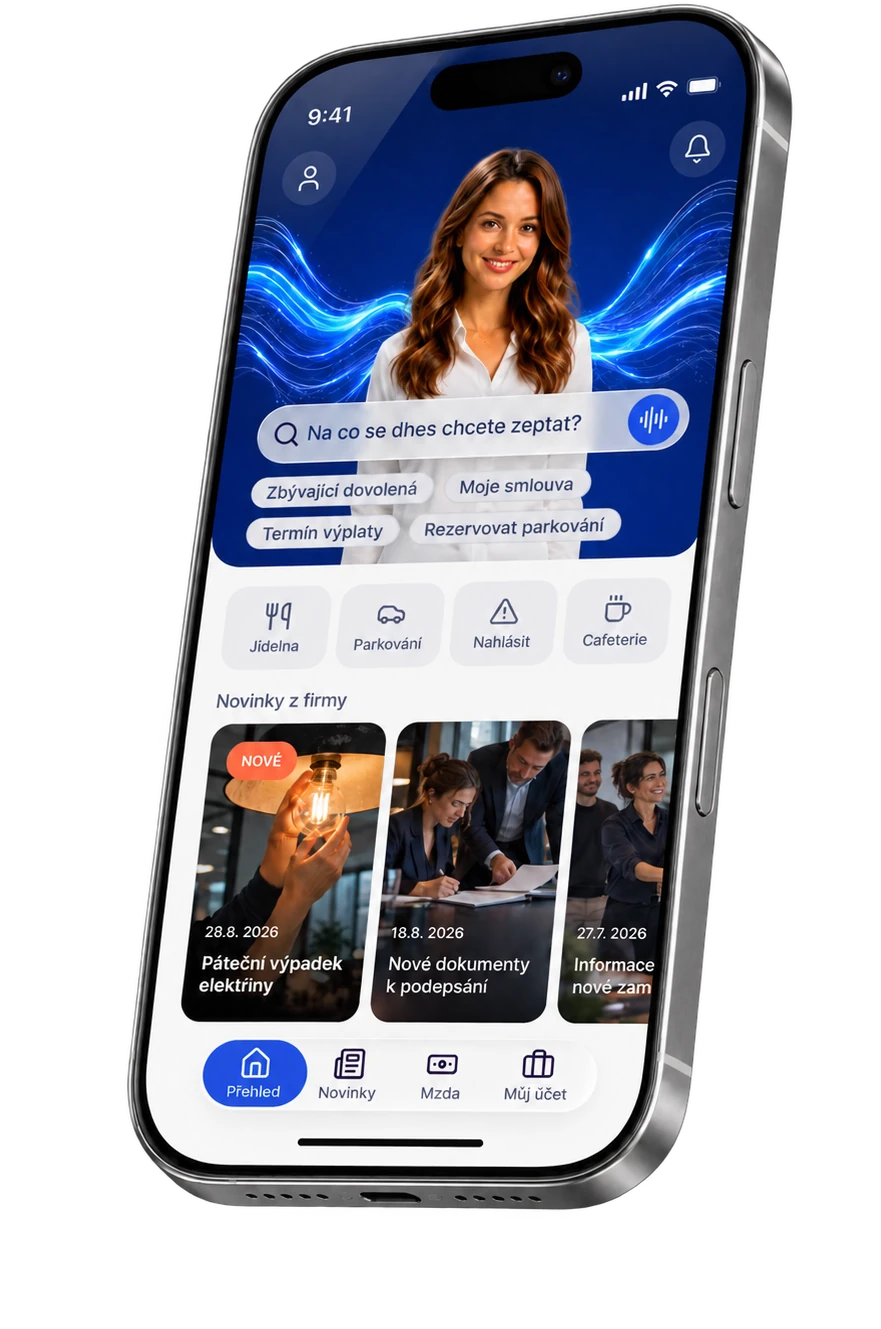
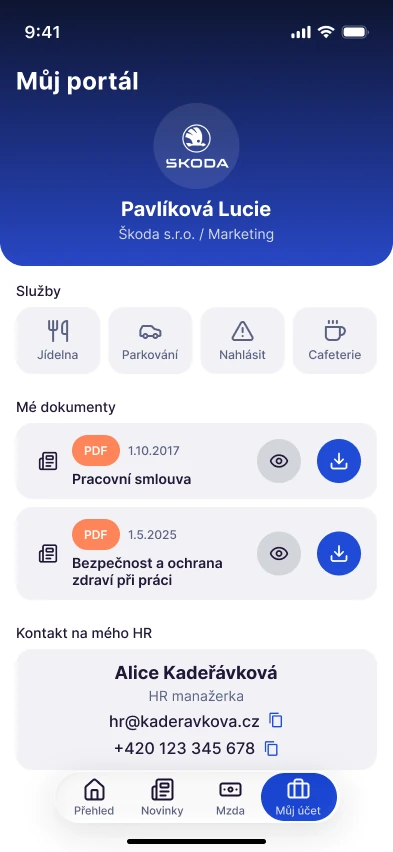
All your work documents are on your phone. When the bank or an authority wants a certificate of income, you download it as a PDF in seconds.
Employment contract, payslips, health & safety, certificates
You see a new document as soon as the company uploads it
Older payslips are available too
02 — News
Be the first to know about changes, not the last
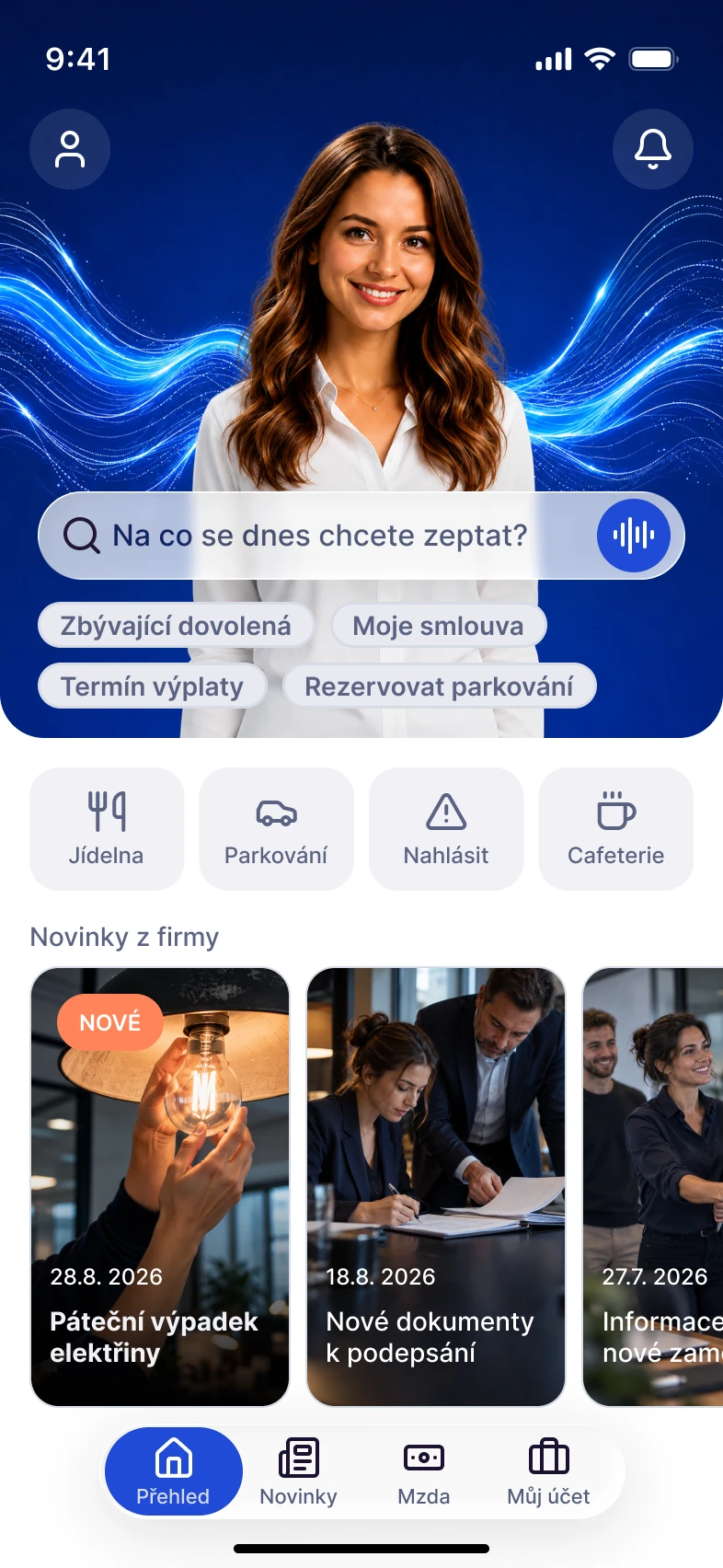
Announcements, shift changes, events and important information from management come straight to your phone. No notice board, no forgotten email.
Alerts when something important happens
Articles, photos and short videos
Everything together, older items too
03 — Work questions
An answer now, not in three days
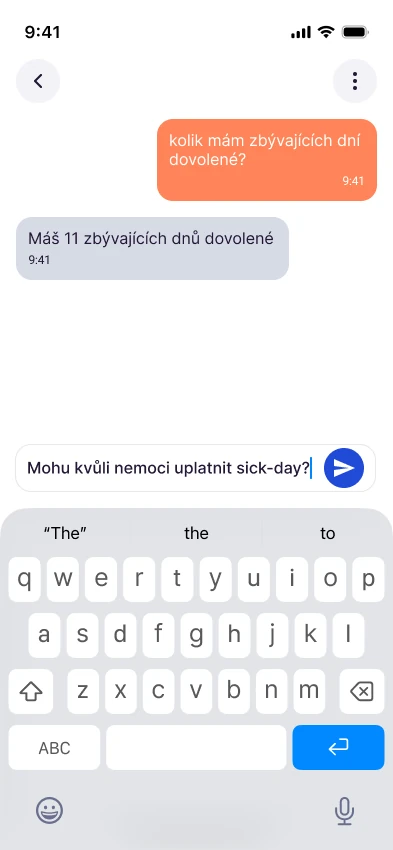
How much holiday you have left, when payday is, what to do when you’re ill. The assistant answers according to your company’s rules and documents, anytime and in your language.
You don’t need to know who to ask
Type, or ask by voice
Each answer shows which document it is based on
04 — My portal
Company systems and contacts together
Attendance, bookings, important links and your HR contact. Your company puts the overview together, so you see exactly what is used where you work.
No more hunting for links in different places
Your HR contact two taps away
New colleagues find everything for their first days here
05 — Earned wage accessIf your company offers it
Part of your pay when you need it
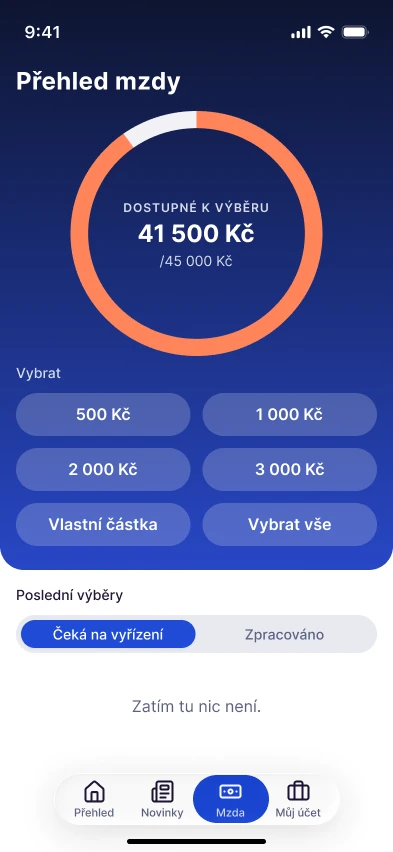
You can withdraw part of the wages you have already earned before payday. It isn’t a loan, you get the rest as usual.
Money in your account within 4 hours at the latest
Before confirming, you see the exact amount and the CZK 79 fee
No interest and no repayments
Not every company has earned wage access automatically. Your employer turns it on. If you’d like it where you work, let your company know right in the app. Anonymously, they won’t learn your name.
Your company doesn’t use PalmApp yet? Recommend it to us
Thank you for the recommendation. We’ll contact the company without mentioning your name.
Payslip – OctoberNew document · PDF
Certificate of incomeDownloaded to your phone
News · 5 min agoNew shift schedule from November
3 new messagesfrom management and HR
How much holiday do I have left?
You have 12 days left this year.Source: Holiday policy
AttendanceClock in
JN
Jana NovákováHR · message or call
Available to withdraw
CZK 8,400
Wage withdrawalToday, 11:28
+CZK 2,000
Done in two minutes
Don’t have login details? Contact HR at your company.
1
2
3
1
P
PalmApp
PalmApp Tech s.r.o.
Get
Step 1
Download the app
Free on the App Store and Google Play.
2
Work email
jana.novakova@company.com
482
Step 2
Sign in
With your assigned company email and employee number.
3
Notifications
P
New payslipPalmApp · now
Step 3
Turn on notifications
So you don’t miss a new document or important news.
Privacy and security
Your data stays private. Your employer sees only what it has to.
Use the app without worry. Your company won’t see your questions, wage withdrawals or interest in new features.
Employer’s viewillustration
What the company seesOnly basic information
That you use the appSo the company knows information reaches you.
Josef Novák · uses the appSees
Attendance confirmations for company eventsWhen you reply to an invitation yourself.
Josef Novák · confirmed attendance at the company meetingSees
What the company doesn’t seeYour name next to any of this
What you ask the assistantAsk anything, even things you wouldn’t want to raise with HR directly.
Jana N. · “How do I request…”Hidden
When and how much you withdraw from your wagesWithdrawals are your private matter.
Petr K. · CZK 2,000 · 12 OctHidden
Who has shown interest in earned wage accessThe company only learns that people want the feature. Not your name.
Lucie M., Tomáš B., +3Hidden
ISO 27001 certificationGDPR complianceEU data hostingEncryption at rest and in transitPenetration tests regularly
Frequently asked questions
Didn’t find an answer? Call us Mon–Fri, 8:00–16:00 CET on +420 739 994 499.
How do I sign in to the app?
With your assigned company email and employee number. If you don’t have these details, contact HR at your company.
How much does the app cost me?
Downloading and using the app is free. Only earned wage access is charged, and only when you use it.
Why can’t I see some features in the app?
Your employer turns features on depending on what the company uses. If you can’t see something, your company hasn’t turned it on yet.
Will my employer see what I do in the app?
Only basic things, such as that you use the app or that you confirmed attendance at a company event. They can’t see what you ask the assistant, when and how much you withdraw from your wages, or who has shown interest in earned wage access.
Is earned wage access a loan?
No. You withdraw part of the wages you have already earned. You pay no interest and repay nothing — you get the rest of your pay on the usual payday.
I forgot my code and password. What now?
If you forget your code, sign in with your password. If you forget your password too, you can easily reset it via your assigned company email. If you can’t access your company email or don’t know it, please contact HR at your company.
Download PalmApp
Documents, news and company information. Always at hand.